Fridagate, Android Tool to Manage Frida and Intercept Traffic with Burp Suite
Table of Contents

Fridagate is an open source Android application designed for mobile application pentesters. It allows you to manage frida-server, intercept HTTPS traffic with Burp Suite, and inject bypass scripts directly from the device, without having to run commands manually at the start of every audit session.
The project was born out of a real need: during an Android app audit the usual workflow involves connecting via ADB, pushing frida-server, setting permissions, starting it, configuring the system proxy, adding iptables rules… Fridagate automates all of that from a clean interface on the phone itself.
What does Fridagate do?
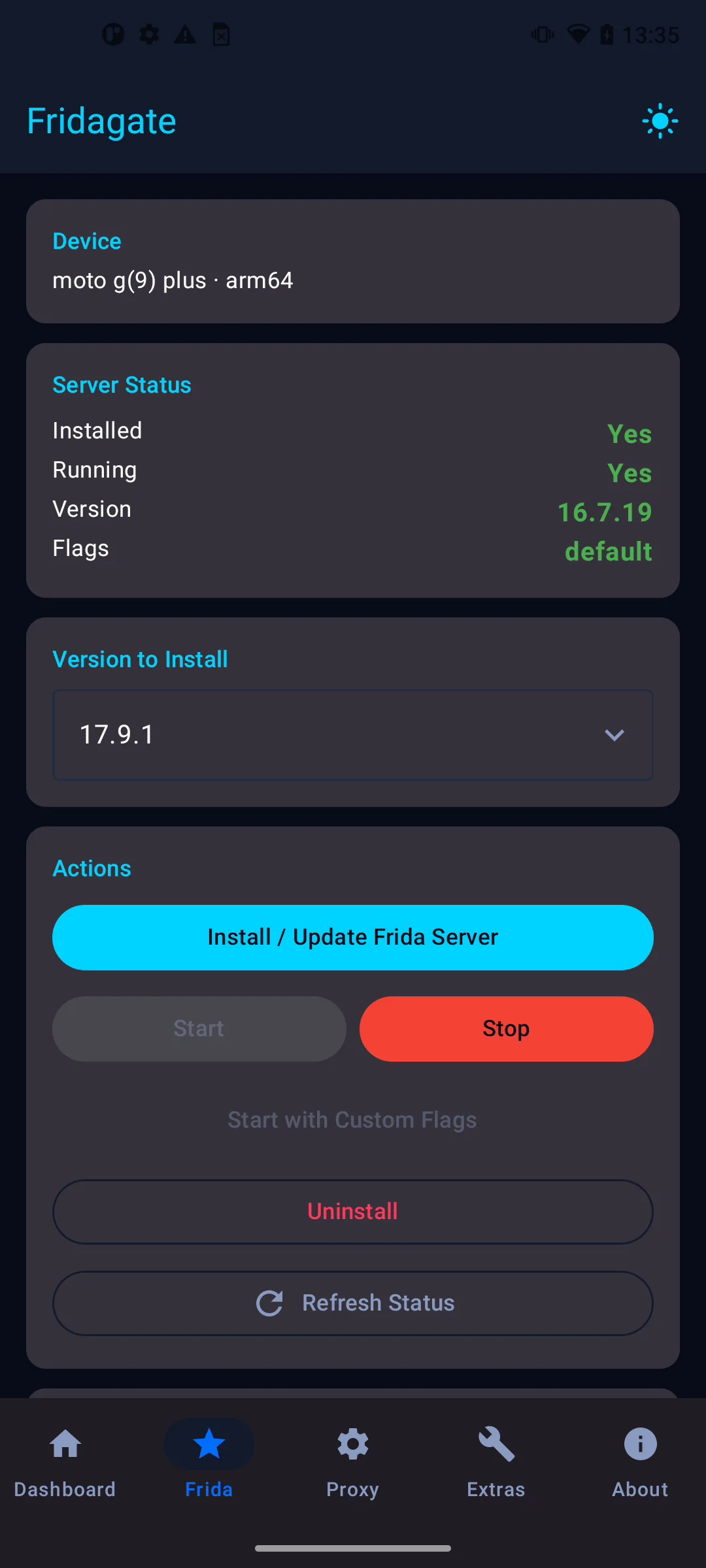
Frida Server Manager
- Queries the GitHub API to fetch available frida-server versions
- Downloads the correct binary for the device architecture (arm, arm64, x86, x86_64)
- Decompresses the
.xzfile locally - Installs frida-server in
/data/local/tmp/with the right permissions - Starts and stops the process with support for custom flags
Burp Suite Proxy Controller
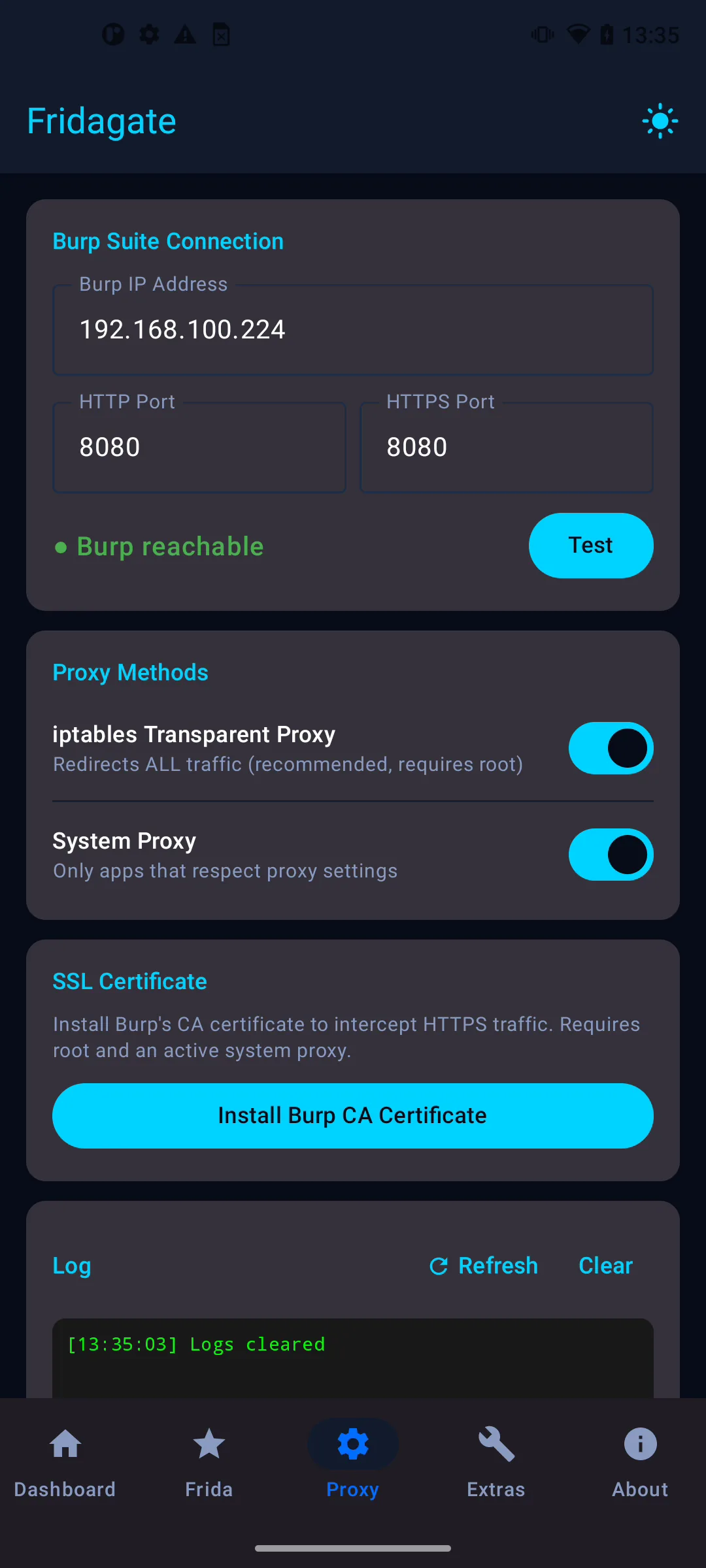
- Configures the system proxy (HTTP and HTTPS) pointing to Burp Suite
- Adds iptables DNAT rules to intercept traffic from apps that ignore the system proxy setting (transparent proxy)
- Checks connectivity to Burp before applying the rules
- Simplifies the installation of the Burp CA certificate on the device
Extras, Bypass Injection (Experimental)
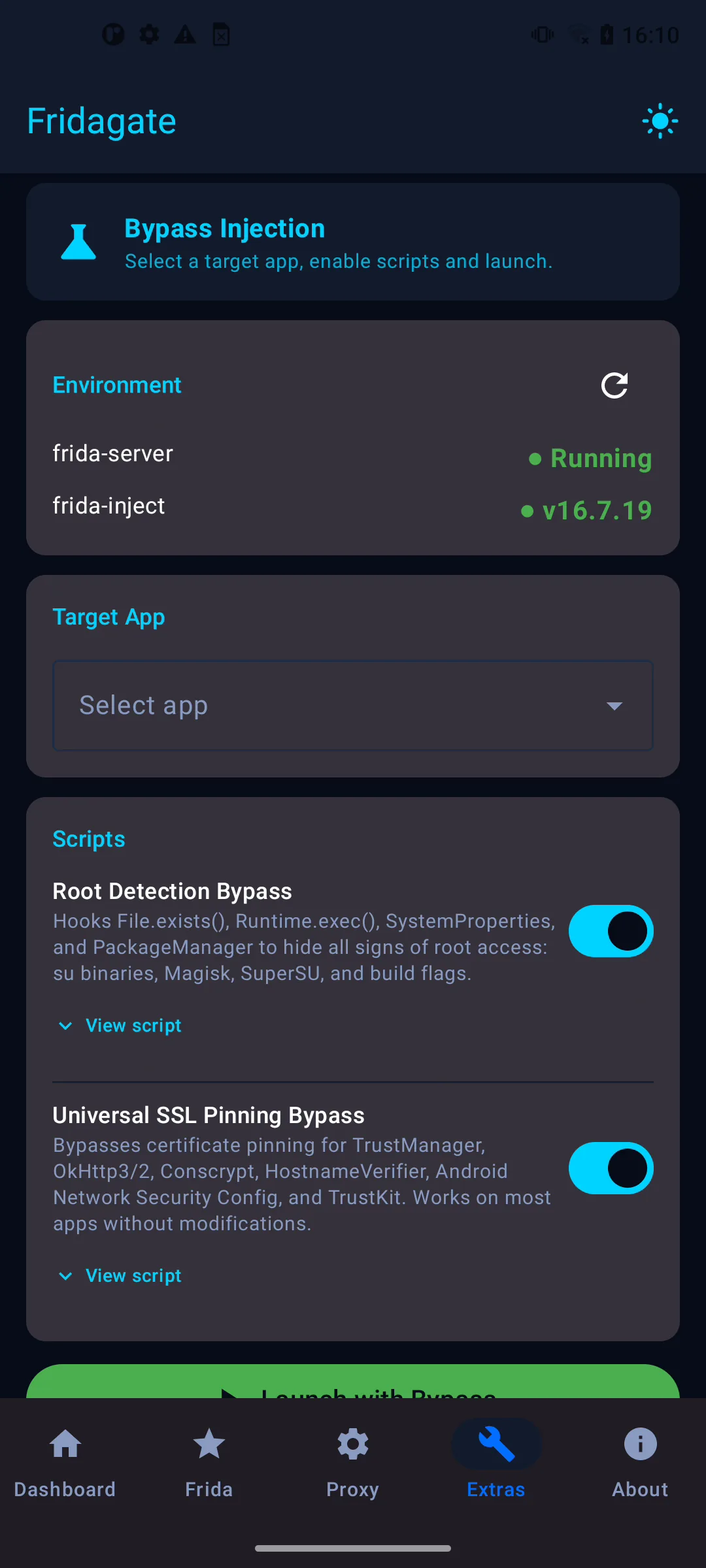
The Extras tab allows you to inject Frida scripts directly into apps on the device without needing a PC. It uses frida-inject to spawn or attach to a process and inject a JavaScript bypass script (root detection, SSL pinning, etc.), all from the phone itself.
- Select the target app from a dropdown listing installed non-system apps
- Choose a built-in bypass script (anti-root, SSL pinning) or use a custom one
- Fridagate automatically runs
frida-inject -f <package> -s <script> -ewith root permissions - If the app is already running, it falls back to attach mode
This feature is experimental. Some applications may not work correctly. If you run into issues, please open a report at github.com/JavierOlmedo/Fridagate/issues .
Dashboard
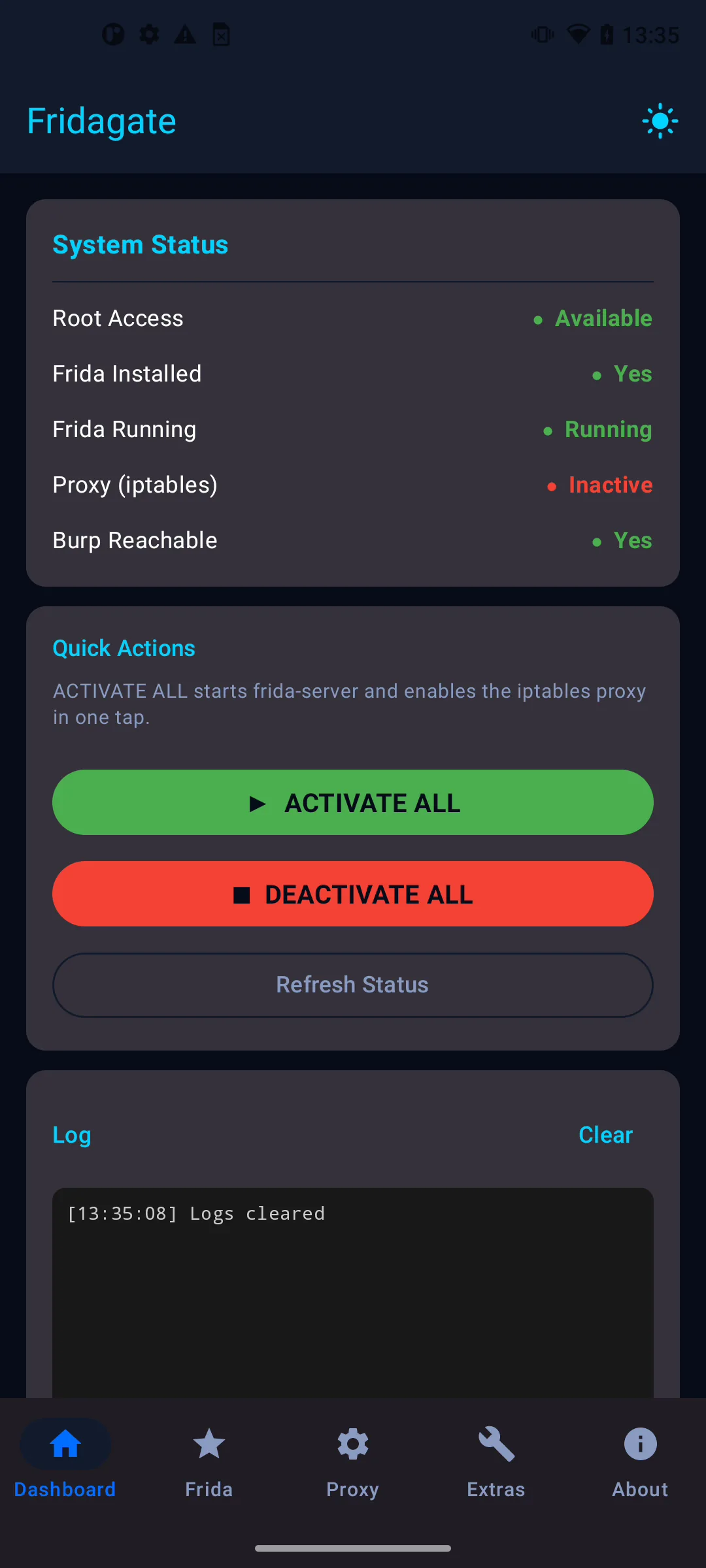
From the dashboard you can activate or deactivate everything with a single button, and see the current state of all modules at a glance.
Requirements
- Rooted Android device (Fridagate needs root permissions to run iptables and start frida-server)
- Android 8.0 (API 26) or higher
- Burp Suite running on the same network as the device
- frida-inject installed at
/data/local/tmp/frida-inject(required for the Extras tab)
Download and installation
The APK is available directly on GitHub Releases:
👉 https://github.com/JavierOlmedo/Fridagate/releases
No additional setup required. Download the APK, install it (allow installation from unknown sources) and you’re good to go.
Usage notes
- The recommended frida-server version is 16.7.19, 17.x has spawn bugs on some devices. For 17.x use attach mode instead of spawn.
- For interception to work correctly, make sure Intercept is turned off in Burp (Proxy → Intercept → Intercept is off) unless you want to review requests manually.
- The transparent proxy via iptables works even with apps that disable the system proxy setting, since it redirects traffic at the network level.
- The UI supports light and dark theme (dark by default), switchable from the icon in the top bar.
Source code
The project is open source and available on GitHub:
👉 https://github.com/JavierOlmedo/Fridagate
Built with Jetpack Compose, MVVM, Kotlin Coroutines and Material3.